Firmware v4 is out: CRT simulation, Super-xBR, Tate Mode, a new deinterlacer and more. Read what's new →
Home / Retro G.E.M. / PS2 Fat
Retro G.E.M. · HDMI kit

PS2 Fat

Digital HDMI output for the original PlayStation 2, taken straight from the console. No lag and no analog noise.

GEM board
Kit and add-ons
$189.98 Checking availability…
Advanced soldering requiredNever soldered before? Find a recommended installer.
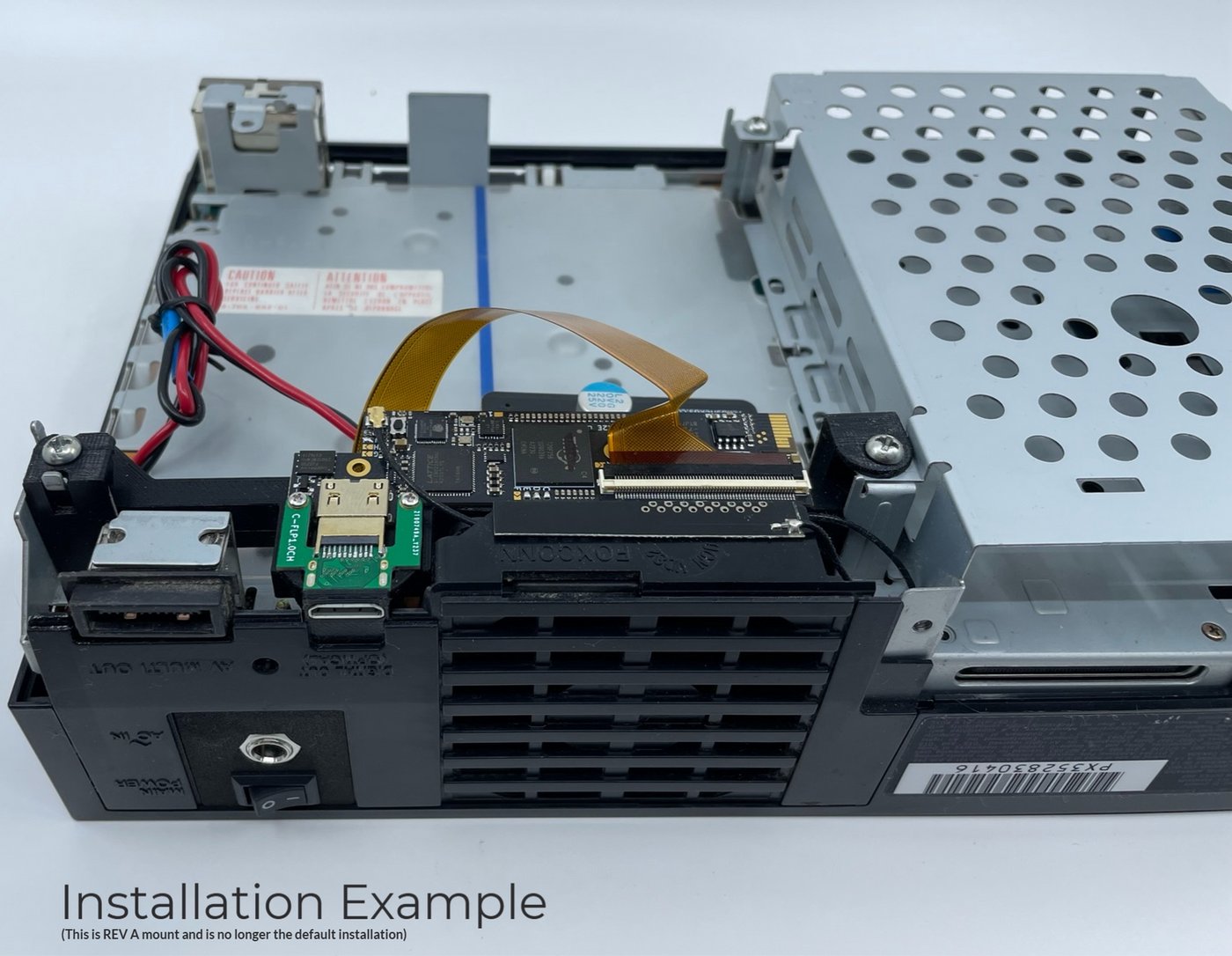
A Basic GEM can be upgraded to Shiny at any time, even after it's installed: Shiny Upgrade. All kits ship as Revision B, a top-side mount. PS2 Fat install guide   Pinouts   Ask on Discord
Compatibility

Check your motherboard.

The motherboard revision is printed on the board. The model number on the label under the console narrows it down.

Have a slim PS2 (SCPH-7000X and later)? See the PS2 Slim kit.

MotherboardModel
GH-015SCPH-3000X / 3500X
GH-017 ¹SCPH-3900X
GH-019 ¹SCPH-3900X
GH-022 ¹SCPH-3900X
GH-023SCPH-5000X
GH-026SCPH-5000X

¹ Requires a RePS2 power supply, or an SCPH-5000X power supply and metal shield.

HDMI port

No case cut.

The mini HDMI port goes in place of the optical (Toslink) audio port, on every fat model. Audio travels over HDMI.

Editions

Basic or Shiny.

Same board, same digital signal. The difference is what the GEM does to the picture before it leaves the console.

Basic

Basic

For use with a scaler, like the Morph 4K.

  • Zero-lag direct video, untouched.
  • Built-in scaler up to 720p.
  • WiFi firmware updates.
$129.98 with kit
Shiny

Shiny

Everything Basic does, and no scaler needed.

  • Everything in Basic, including zero-lag direct video.
  • Plus low-lag 1080p or 1440p output.
  • Plus Pixel FX scaling and scanline filters.
$189.98 with kit
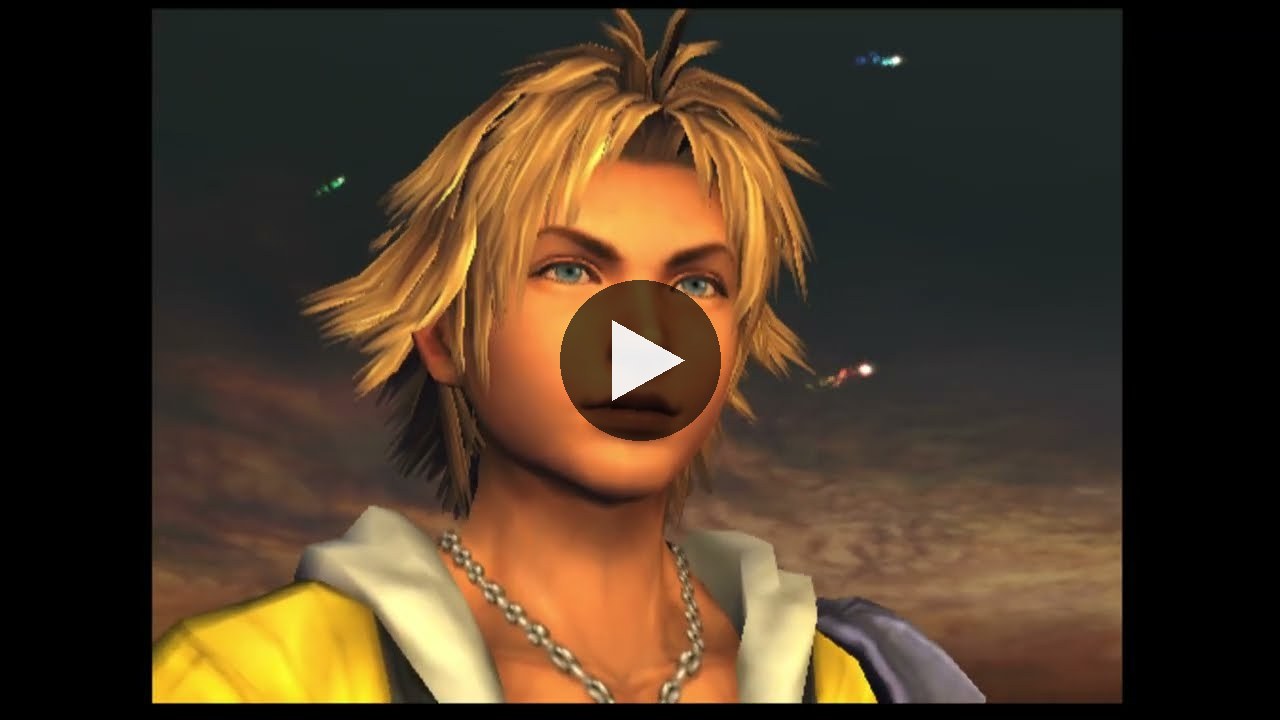
Final Fantasy X on a PS2 with a Retro G.E.M.
PS2 + Retro G.E.M. + Morph 4K

Final Fantasy X in Film mode

The Morph 4K's Film mode (inverse telecine) rebuilds the game's full frames from the GEM's digital 480i.

Watch on YouTube →
With a Morph 4K

Game-ID, per-game settings, one controller.

With a Basic GEM and a Morph 4K, Game-ID loads per-game settings, the console's controller runs the Morph 4K menu, and the Morph 4K sets the GEM's video settings for you.

Install

Guides and help.

The PS2 Fat install is advanced. Read the guide before you start, or have a recommended installer do it.

Open the GEM menu: L1 + R1 + D-Pad Right + Circle, on the PS2 controller.

FAQ

Questions.

Something else? Ask us on Discord.

Do I need a scaler?

Not with Shiny: it does everything Basic does, and also outputs low-lag 1080p or 1440p on its own. Basic is made for use with a scaler such as the Morph 4K, and has a built-in scaler up to 720p.

Can I upgrade Basic to Shiny later?

Yes, at any time, even after it's installed. Upgrades are sold in the shop or from the GEM's on-screen menu.

Do I need the spare flex cable?

No. The console kit already includes the flex cable. A spare gives you a second attempt if something goes wrong during the install.

Can I install it myself?

If you're comfortable with advanced soldering. Otherwise, our recommended installers can do it for you.